A design team’s perspective on the tool everyone’s testing right now. What it gets right, and where it lets you down.
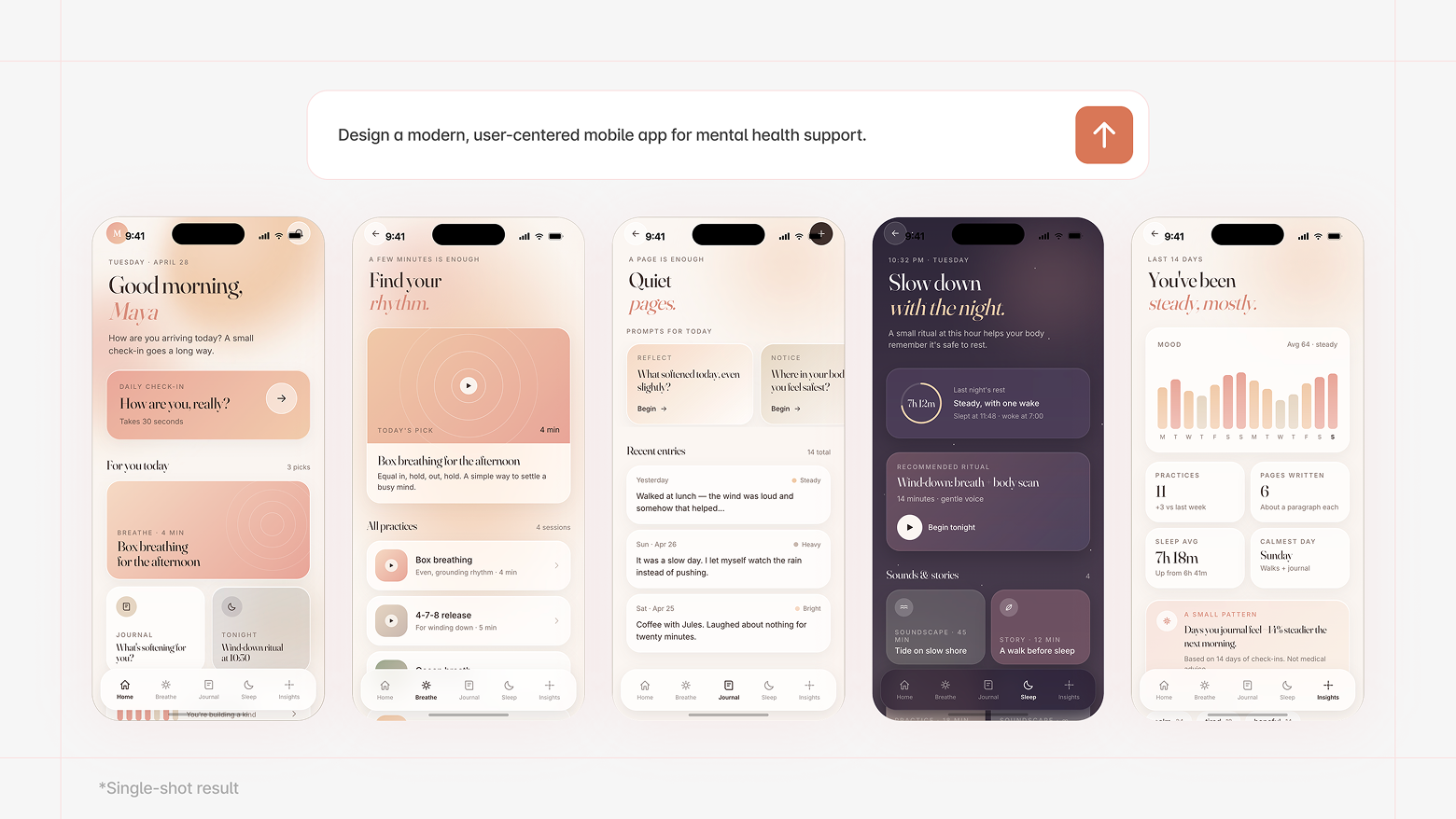
A founder we worked with recently opened our first call by sharing his screen. He’d spent a weekend in Claude Design and arrived with a fully built product: twelve screens, consistent visual style, an onboarding flow and everything. Impressive, huh? He was pretty proud of it. And honestly? He had every reason to be! It looked like a real product.
Then we started asking questions. What does the empty state look like? What happens when a user has 200 items instead of 8? How does this hold up on a tablet? You probably already feel where this is going. But here’s the thing: none of that is a reason to write Claude Design off. It’s just a reason to understand what it actually is. It’s built to make something that looks right, quickly. And at that, it’s really good, almost suspiciously good.
We use Claude Design. We recommend it to clients in the right situations. We actually love when clients come in with something they’ve built there, it means we’re already on the same page visually before the first call is over. But we also keep having the same conversation about where it stops, so we figured we’d just write it down.
It’s genuinely useful, here’s why
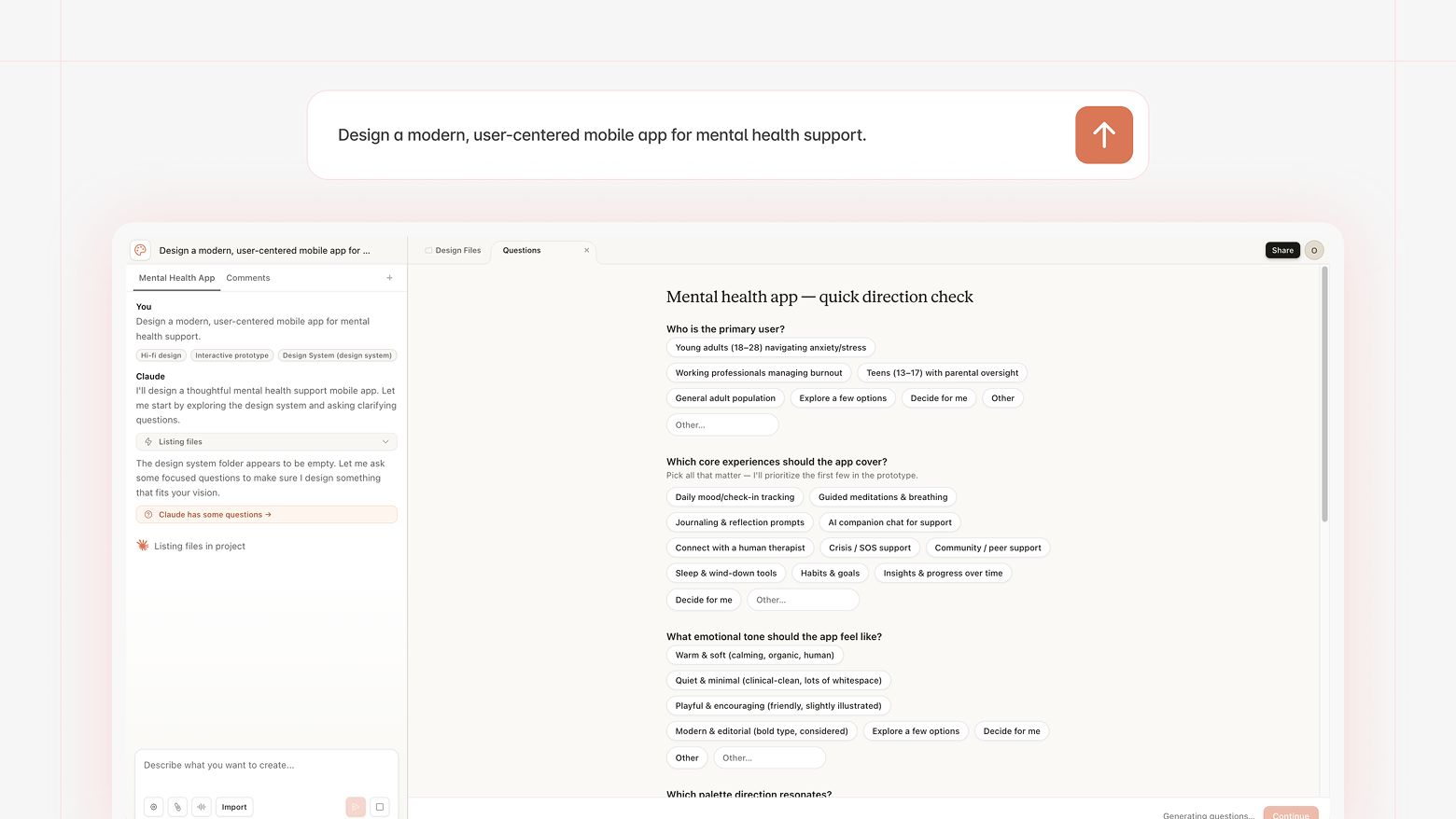
What makes Claude Design different from most AI generators is that it actually asks questions before generating anything: about the user, the context, the constraints. That back-and-forth tends to produce something useful on the first try, rather than a generic interface you have to fight your way out of.
We watched a client use it to get a whole cross-functional team aligned on a product direction in a single afternoon. They’d been going back and forth for weeks in documents nobody fully read. Once there was something visual on the screen to look at and argue about, the conversation changed completely. That’s the kind of thing it’s genuinely good for: getting everyone into the room with something concrete to react to, faster than the traditional process would allow.
And here’s where it gets tricky
The thing we keep seeing is teams that fall in love with their Claude Design output. Which is understandable, when something looks finished, it feels finished. The problem is that looks and structure are very different things. A great-looking prototype is still a prototype, just a very convincing one.
We had a client bring us a dashboard they’d spent the whole week refining in Claude. It looked clean, well-considered, genuinely nice. But when we mapped it against their actual data model, almost nothing held. The components weren’t built for the volume of information the product needed to handle. What looked elegant with sample data became unusable at scale. Starting over would’ve been faster and considerably less painful for everyone in the room.
There’s also the cost side that doesn’t get enough attention. Iteration in Claude Design burns through tokens quickly, especially once you’re working on anything complex. Uber’s CTO mentioned this year that their team went through an annual AI budget in just a few months (that was Claude Code specifically) but the dynamic is the same: AI-assisted iteration loops are expensive, and the bill grows faster than it feels like it should. So if you’re planning to vibe-design your way to a finished product, bring a bigger budget than you think.
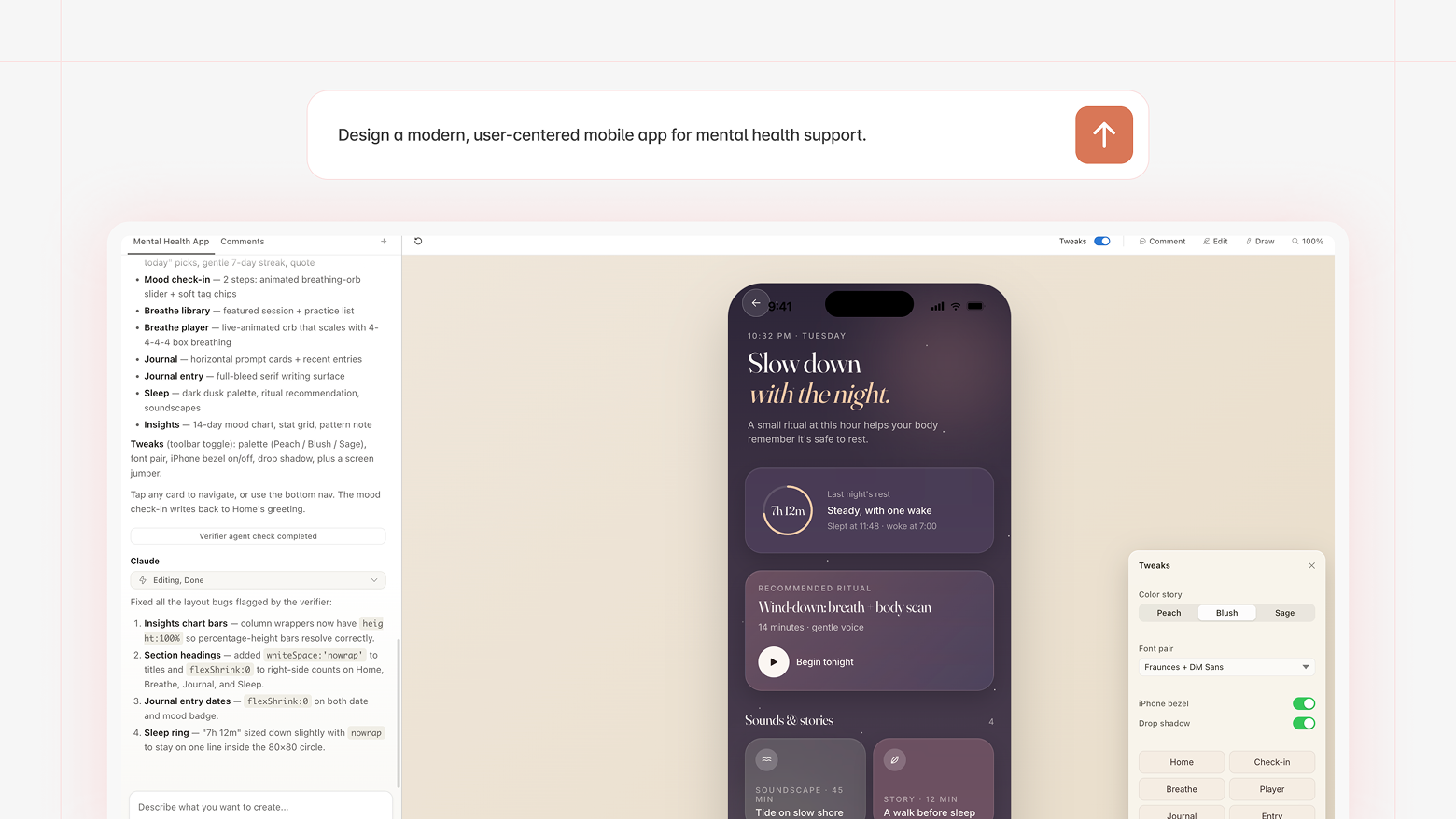
And then there’s getting the designs into Figma, which is its own adventure. Claude Design has no native export, so everything has to go through Claude Code and MCP Figma. Every time we’ve received designs that came through that route, they’ve needed real cleanup, things that look right but behave wrong once you actually try to build with them. We’re used to it, it’s still extra work.
There’s also a subtler issue that’s easy to miss. When a designer builds a screen, they work within an existing pattern library, consciously avoiding new patterns unless there’s a strong reason to introduce them, because every unfamiliar interaction adds cognitive load and learning time for the user. Claude Design has no such filter. It doesn’t track which patterns it’s already used or whether introducing a new one is justified. In practice this cuts both ways: it might casually invent an interaction pattern that has no business being there, or when you actually need something creative and non-standard, reach for the most generic solution available. Pattern discipline and genuine creative risk are both beyond its current pay grade.
The bigger problem: what happens in six months?
Even when a Claude Design output survives the handoff to Figma, there’s a question nobody asks yet: what happens when the product needs to grow?
Screens aren’t a system
AI-generated designs don’t come with logic underneath them, they come with screens. And screens that aren’t grounded in real component thinking or deliberate pattern decisions accumulate debt quietly. Everything looks fine until you need to add a feature, update the navigation, or adapt to a new platform. Then you open the file and realize there’s nothing to extend, just a collection of frozen moments that made sense once, in isolation.
Nobody knows why decisions were made
When a design evolves over time, someone needs to understand the reasoning behind it: what was tried, what was ruled out, why a particular flow works the way it does. With AI-generated work, that context doesn’t exist, the tool made the call and moved on. And while Claude Design is too new to have many post-launch stories, the pattern is already visible in shorter cycles: teams coming back after a few weeks of iteration, unable to explain their own design decisions, essentially inheriting output nobody fully owns.
We hypothesize that this compound will over time. When something needs to change — a new feature, a navigation update, a platform expansion — there’s no logic to extend, just screens to reverse-engineer. What should be a two-week addition becomes a redesign conversation. That’s the kind of cost that doesn’t show up in the token bill.
So when does Claude Design actually shine?
Since we’ve been pretty honest about the rough edges, let’s be equally honest about where it genuinely delivers.
• Early-stage ideation — when you have an idea but no visuals yet, Claude Design gets you to something concrete fast. Great for founders, PMs, anyone who thinks in words but needs to communicate in screens.
• Stakeholder alignment — walking into a meeting with a visual beats a slide full of bullet points every time. Even an imperfect prototype changes the quality of the conversation.
• Getting on the same page with your design team — our favorite use case, honestly. When a client comes in with a Claude-generated draft, we skip a whole round of abstract back-and-forth and start reacting to something real from day one.
• Pressure-testing a concept — before committing to a full design engagement, a quick Claude prototype can reveal whether an idea holds up when it’s visual. Cheap way to find out early.
• Presentations and pitch decks — Claude Design handles these well, and the output is usually good enough to use directly.
Where it struggles is anywhere past that first draft — complex products, real data, systems that need to grow. That’s where the process and the people still matter.
What still needs a human
Claude Design can generate an interface. What it can’t do is tell you whether that interface is the right one for the people who’ll actually use it.
That part still requires talking to users, understanding the market, and asking uncomfortable questions before anyone opens a design tool. It requires someone who’s shipped enough products to know which decisions actually matter and which ones just feel like they do. Moving fast is great. Knowing where to go is a different skill.
We’re genuinely happy when clients come to us with something they built in Claude — it usually means we can skip some early alignment work and get to the interesting problems faster. But the interesting problems are still there. The AI just changes when you hit them.
The work that matters most at the start of any project is figuring out what you’re actually building and why. That one’s still on us. For now, at least. 🙃