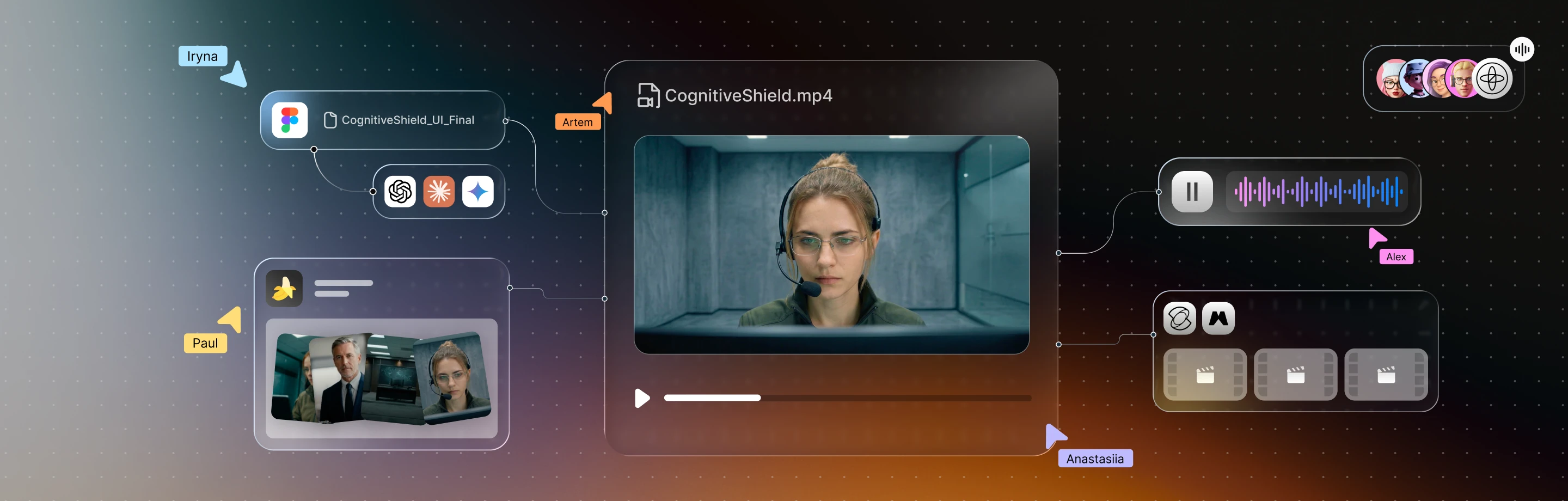
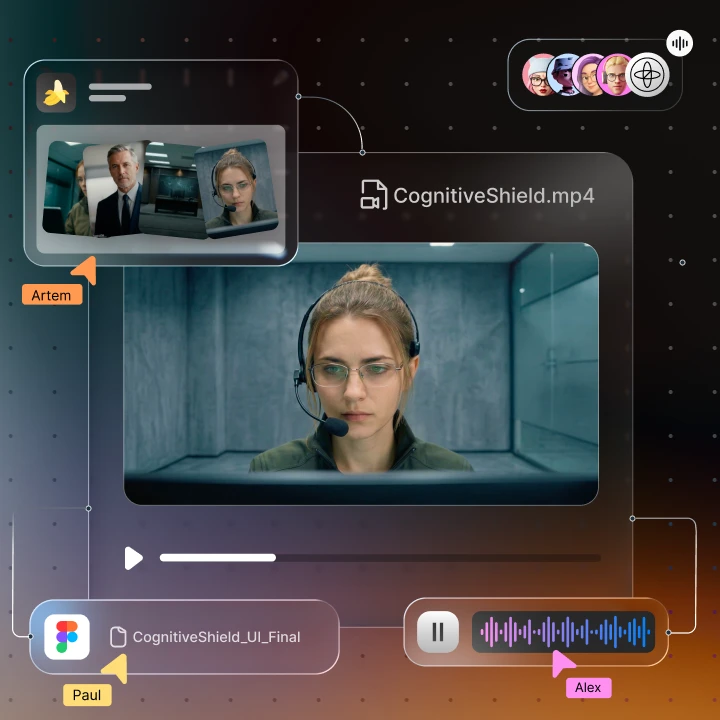
Getting into the Top 10 of a NATO Innovation Challenge means one thing: your idea has to hold up under pressure.
Sigma Software got there with CognitiveShield, an AI platform built to detect and respond to information threats in minutes, not hours, while keeping critical decisions under human control.
Our task was to turn that into a three-minute video that works for both experts and non-experts. Not just to show features, but to make the system feel clear, credible, and real.
CognitiveShield works with signals that are difficult to show at first glance: disinformation patterns, influence networks, fast-changing narratives, and AI-assisted analysis. The challenge was to make that work visible without making it feel like black-box magic.
So we focused on the interaction between AI and people. The system helps detect threats faster, structure information, and propose possible responses, while analysts and decision-makers bring context, judgement, approval, and responsibility into the process.
The production followed the same logic. AI gave us speed, scale, and room to explore, while the team built the pipeline, controlled the tone, selected what worked, and kept the story clear. That became the core of the video: AI moves the process faster, but people still shape the meaning and make the call.
Project snapshot
Before getting into the process, here’s the project in practical terms.
Our role in this project was to design the UI shown in the scenario and create the explainer video that demonstrates how the platform works, including its structure, visuals, and AI-assisted production.
Here we decided to zoom in on the video process as the clearest way to show the platform in action. In three minutes, it had to explain the workflow, show the AI-human interaction, and make the product feel credible for a high-stakes audience.
Project: CognitiveShield concept video
Context: NATO Innovation Challenge tender
Our role: UI design, explainer video design and AI-assisted production
Design challenge: Make a complex AI-assisted threat response system clear, believable, and easy to follow
Output: A three-minute video showing the platform workflow inside a realistic information threat scenario
Focus areas: Storytelling, UI design, motion, AI video production, character consistency, voice generation, editing, and sound design
Tools used: Figma, Magnific Spaces, Nano Banana 2, Kling 3.0, ElevenLabs
Step 1: Giving invisible structure
We came in with three things: script, product description, and working UI prototype. They explained what CognitiveShield was, but they did not yet create the feeling of moving through a real information threat scenario.
So before drawing anything, we mapped the operator’s shift as one clear sequence:
detecting an information threat → analysing the data and writing a situation brief → developing and weighing possible courses of action → human review and approval → preparing and launching the response → adapting when something unexpected lands → final assessment and audit.
That became the backbone of the video.
We focused on guiding viewers through the system the way an operator might move through a real information threat scenario: noticing that something feels off, following the data until it starts to form a pattern, turning that noise into a situation brief, and then moving into possible courses of action. As the decision becomes more serious, the commander joins the flow, bringing the moment from analysis into responsibility. From there, the response is prepared, launched, adapted when the situation changes, and finally assessed.
We also knew the video could not lean on a narrator to explain every screen, because that would make the whole piece feel more like a manual than a moment with real pressure. Instead, we built the story around two people: an operator moving through the platform as the situation develops, and a commander joining remotely when the decision becomes too important to stay at the analysis level.
That changed the tone of the video, it moved away from a product walkthrough and started to feel like an operational scene, where the system supports the work, but the tension comes from people reading the situation and deciding what happens next.
Step 2: Defining the visual direction
Before choosing colors, we looked for the right mood. The video needed to feel serious, precise, and credible without becoming cold or over-designed. So we built references around control rooms, late-night screens, quiet tension, and the kind of operational environments where people do not need to perform urgency because the situation already has enough weight.
We were looking for a palette and a temperature, focusing on three key aspects:
- How dark a room can be before it starts to feel ominous
- Where blue stops feeling technological and begins to feel lifeless
- How screen glow changes a face when the situation is urgent but controlled
That direction gave us a visual world that felt restrained, tense, and clean, closer to an operations room than a product launch.
Once the palette was fixed, the rest of the production had something to follow: interface colours, lighting, camera rhythm, character spaces, and the overall tone. This mattered even more in AI-assisted production, where visuals can drift quickly if the references are not strong enough. The system of references helped keep the video grounded, so it did not become too cinematic, too dramatic, or too focused on looking “tech” instead of supporting the story.
Step 3: Shaping the Characters
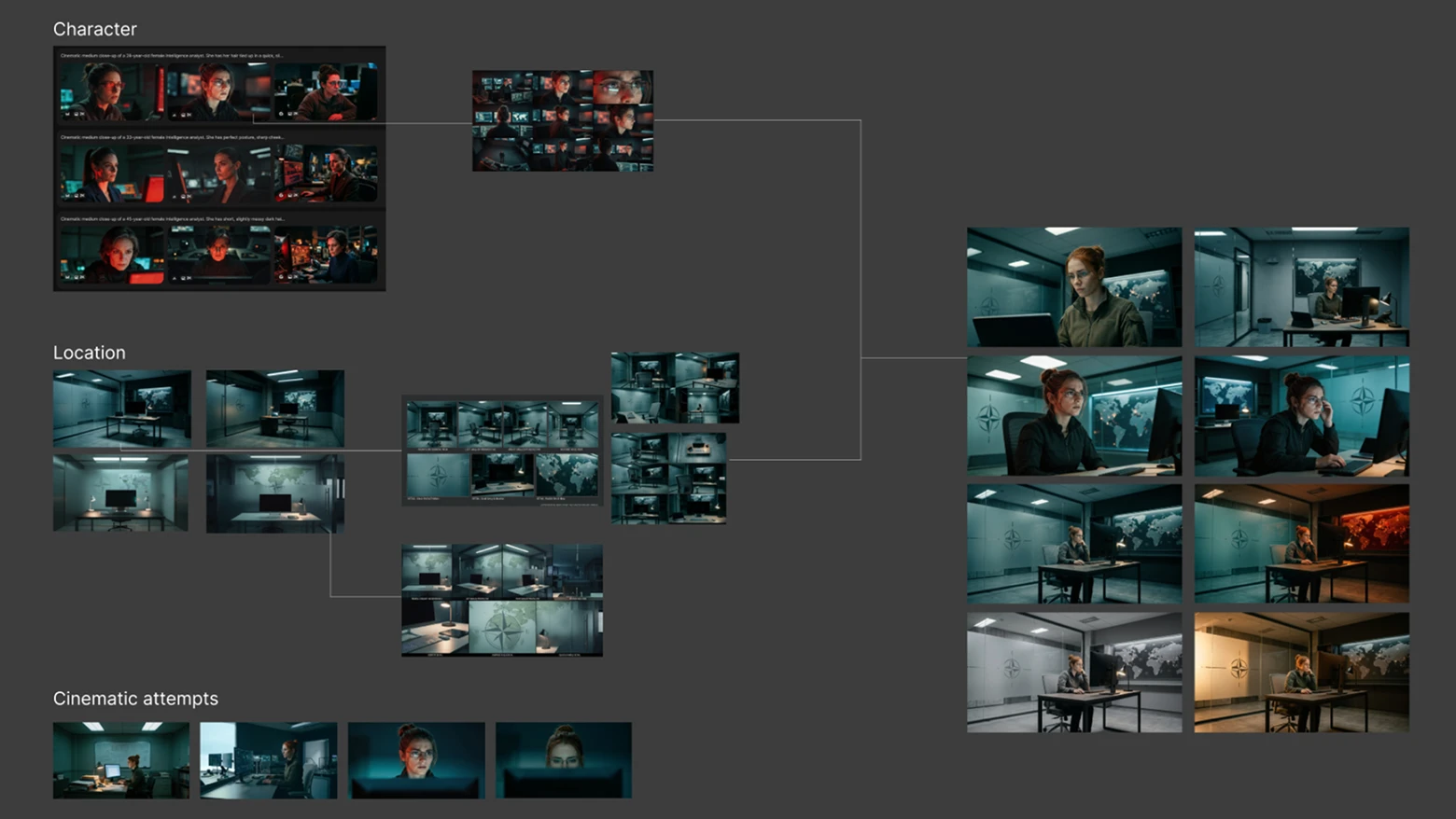
There are two characters: Maya, the operator, and a commander who joins remotely. We created multi-angle character sheets for both before generating footage, defining their faces, clothing, posture, lighting, and camera treatment.
We also designed two separate spaces: Maya’s office needed to feel active and close to the operational flow, while the commander’s environment had to feel more separate, senior, and controlled.
These references became especially useful once we started generating and editing the scenes. They helped Maya stay consistent across different shots, kept her workspace feeling like the same place throughout the video, and made the commander feel connected to the same situation, even though he appeared from a separate room.
The character setup also helped the workflow feel natural. Maya leads the early part of the story, moving through detection, analysis, and the situation brief, while the commander enters later, when the scenario shifts into weighing options, reviewing the response, and approving the next step.
Same people → spaces → visual world → one believable scenario.
Step 4: Building the world they work in
We designed and assembled the CognitiveShield interfaces in Figma, covering everything the viewer would see inside the platform: threat mapping, the situation brief, the planning view, recommendations, approvals, the adaptation step, and final analytics.
This was one of the places where the video had to earn credibility. A defense audience reads an interface the way a mechanic listens to an engine, so if a dashboard feels decorative, trust drops before anyone says a word. Every screen had to feel like it belonged to a real operational system, built for people making serious decisions rather than for a polished demo.
Step 5: The engine room
AI production was made in Magnific, formerly Freepik, inside Spaces. We used Spaces to keep process structured, with characters, locations, outfits, props, and starting frames stored as separate references instead of relying on one messy chain of prompts. That structure became one reason video could hold together as one continuous story.
Generative tools are very good at producing something beautiful and slightly different every time. That is useful when exploring directions, but it becomes risky when same character needs to move through same world across a clear workflow. One strong shot is not enough; scenes still need to feel connected.
So pipeline had to stay controlled: references → starting frames → generated scenes → selected takes → refined footage → final edit.
We generated starting frames with Nano Banana 2, produced video in Kling 3.0, and created voices with ElevenLabs. Working inside Spaces helped us keep those parts connected, instead of treating each tool as a separate island and trying to stitch everything together at end.
Tools helped us move faster, but team still had to protect tone, keep visual language consistent, and decide what actually belonged in video.
Step 6: What it actually took
Here is the number we are happy to put in writing: we generated 1,052 assets across the project: character variations, locations, compositions, movement tests, interface moments, and scene attempts. Each one part of building the scale and depth needed to make the story feel real. About 55 of them made it into the final video.
That ratio is the work: natural movement, stable characters, consistent rooms, and shots that feel like the same story do not usually appear in the first generation. Or the tenth. You get there by producing a lot of material and being honest about most of it.
Some shots looked good but broke the tone, some had the right mood but the wrong movement, some worked alone but failed in the edit.
So our filter stayed simple:
generate widely → test inside workflow → keep what supports the story → refine what almost works → cut what distracts.
Cinematic scenes were generated in Kling 3.0 at 1080p, then selected, refined, and upscaled to 4K. Interface animations were built natively in 4K. Final edit could move between generated footage and designed UI without a visible quality gap.
AI gave us a lot to work with, but the real job was figuring out what was actually worth keeping.
Step 7: Giving them a voice
Maya and the commander were voiced with ElevenLabs, again inside Spaces.
Their exchange stays short and operational, but it gives the scene something narration could not: two people reading the situation, confirming what matters, and moving through a decision in real time. Instead of explaining what the viewer should feel, dialogue lets pressure come from the moment itself.
Step 8: Putting it together
Final edit brought everything into one timeline: AI-generated video, native 4K interface animation, two voices, sound design, and transitions between scenes.
Footage generated at 1080p was upscaled to 4K and placed next to UI animation built in 4K from the start, so nothing on screen exposed which parts came from generation and which parts were designed frame by frame.
In a little over three minutes, the video walks through CognitiveShield’s full workflow inside a realistic information threat scenario, moving from detection and analysis to response, adaptation, and final assessment.
One idea kept coming back throughout the process, and it shaped both the story and production itself: the system reads the situation and proposes possible moves, while decisions and responsibility stay with the operator and commander.
We generated more than a thousand assets to keep around fifty-five. AI gave us volume, but people made the choices, which, when you step back, is exactly what the video is about.
What this project proved
For CognitiveShield, the brief sounded simple on paper: make a complex AI platform clear, credible, and easy to follow for a high-stakes audience. In practice, that meant turning abstract intelligence work into a story people could read quickly, trust visually, and understand without a technical walkthrough sitting beside it.
Those final three minutes didn’t start as a clear path, they began as a flood of possibilities: more than a thousand generated assets, dozens of directions pulling in different visual and narrative tones, and a constant back-and-forth between what looked impressive and what actually made sense. We tested, scrapped, rebuilt, and refined, moving through characters, interfaces, motion, voice, pacing, and edit like pieces of a puzzle that only slowly revealed its shape. Scenes that felt strong on their own didn’t always serve the story, and ideas we liked had to be cut when they added noise instead of clarity. In the end, every element had to justify its place, because in a project like this, clarity comes as much from what you remove as from what you decide to show.
AI helped us move faster and explore more possibilities, but speed alone does not make a story sharper. Our team shaped the final path through the material: what to show, what to cut, where to slow down, and how to keep the platform precise without making it feel simplified.
That made the process feel close to CognitiveShield itself. The platform helps teams move from hours to minutes, see the situation more clearly, and work through possible responses with better structure, while keeping people in control of the final call.
That clarity mattered because even the strongest technology only travels when people can understand why it matters. Reaching the Top 10 of a NATO Innovation Challenge showed that CognitiveShield did more than hold up as an idea, it reached the room with enough focus, credibility, and urgency to be taken seriously.